
Admin module
A block, in a place the theme knows about
A notice above the content on one page. A line in the footer on all of them. Neither is worth editing a template for, and neither should need a deploy.
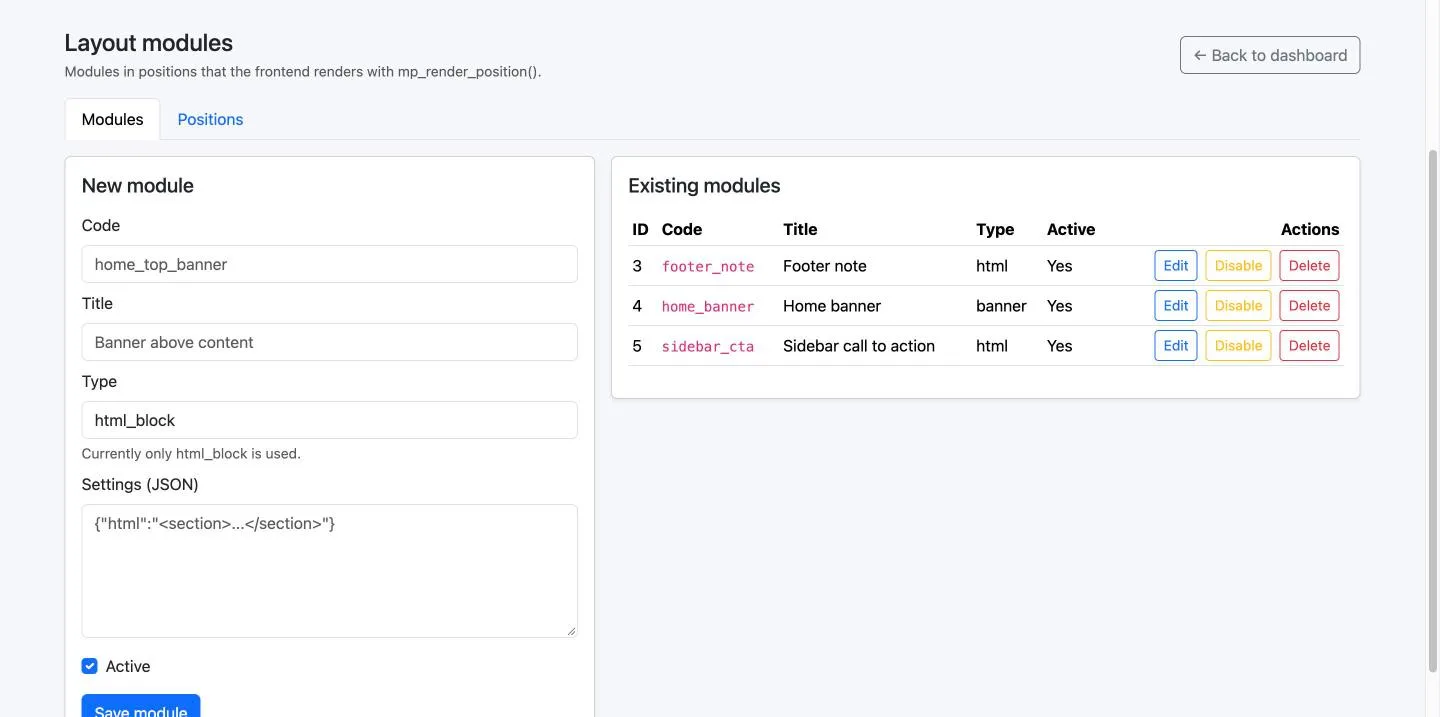
Modules on the left, positions on the right
A module is written once. Where it appears is a separate question, with its own tab. Clicking the image opens a full size preview.
Five places the default theme offers
A theme decides its own positions by asking for them. These are the ones the theme shipped here asks for — a different theme can ask for others, and nothing in the module needs to change.
body_top
Above everything, under the header. For an announcement that should not be missed.
breadcrumb_bottom
Between the trail and the article. Narrow on purpose: a note, not a banner.
content_top
The first thing inside the article. Where a campaign block belongs on the page it is about.
content_bottom
After the text has been read. The right place to ask for something.
footer_top
Above the footer, on every page that has one. For a line that belongs to the whole site.
One line in a theme
A theme asks for a position by name and gets back the HTML of every active module placed there, in order. If there is nothing, it gets an empty string, so the wrapper around it can be left out entirely.
All five positions of a page are fetched in one query, not five. A missing table — the module not installed — is no modules, not a page that dies.
A module's type becomes part of an include path, so it is checked against a plain pattern of lowercase letters, digits and underscores before anything is loaded. A type with no template in the current theme renders nothing rather than an error.
<?php
// in a theme's layout
$top = mp_render_position('content_top', $slug);

if ($top !== '') {
    echo '<div class="area">' . $top . '</div>';
}
Everywhere, or exactly one page
A placement can name a page slug, and then the block appears only there. Leave it empty and the block is on every page that renders the position. Both the module and the placement have their own on and off switch, so a seasonal banner is put away rather than deleted and written again next year.