Core
Users
Accounts, roles and access policies for every part of your admin panel.
ModularPress is a clean and predictable CMS admin for teams who want structure instead of plugin driven chaos.
ModularPress is not a theme and not a plugin marketplace. It is a focused admin panel where content, users and configuration are separated into clear modules with a single responsibility.
Built specifically for PHP 8.x, it uses strict typing, PDO and a lightweight architecture with no legacy framework core or hidden magic behind the scenes.
Trusted for clean admin interfaces by teams building
ModularPress keeps content, users and configuration in clear modules so your admin panel stays fast, tidy and easy to scale. You get the flexibility of a CMS with the predictability of a product.
Each module has its own dashboard and permissions so editors see only what they need. No noisy screens, just focused tools for daily work.
Start with the essentials and enable new modules as your project grows. You keep control of scope instead of juggling dozens of plugins.
Optimized SQL queries and a lightweight UI keep the admin responsive, even when you work with large datasets and multiple sites.
The same admin panel can serve marketing teams, support staff and engineers without turning into a maze of settings. Each group gets a workflow that makes sense and permissions that keep data safe.
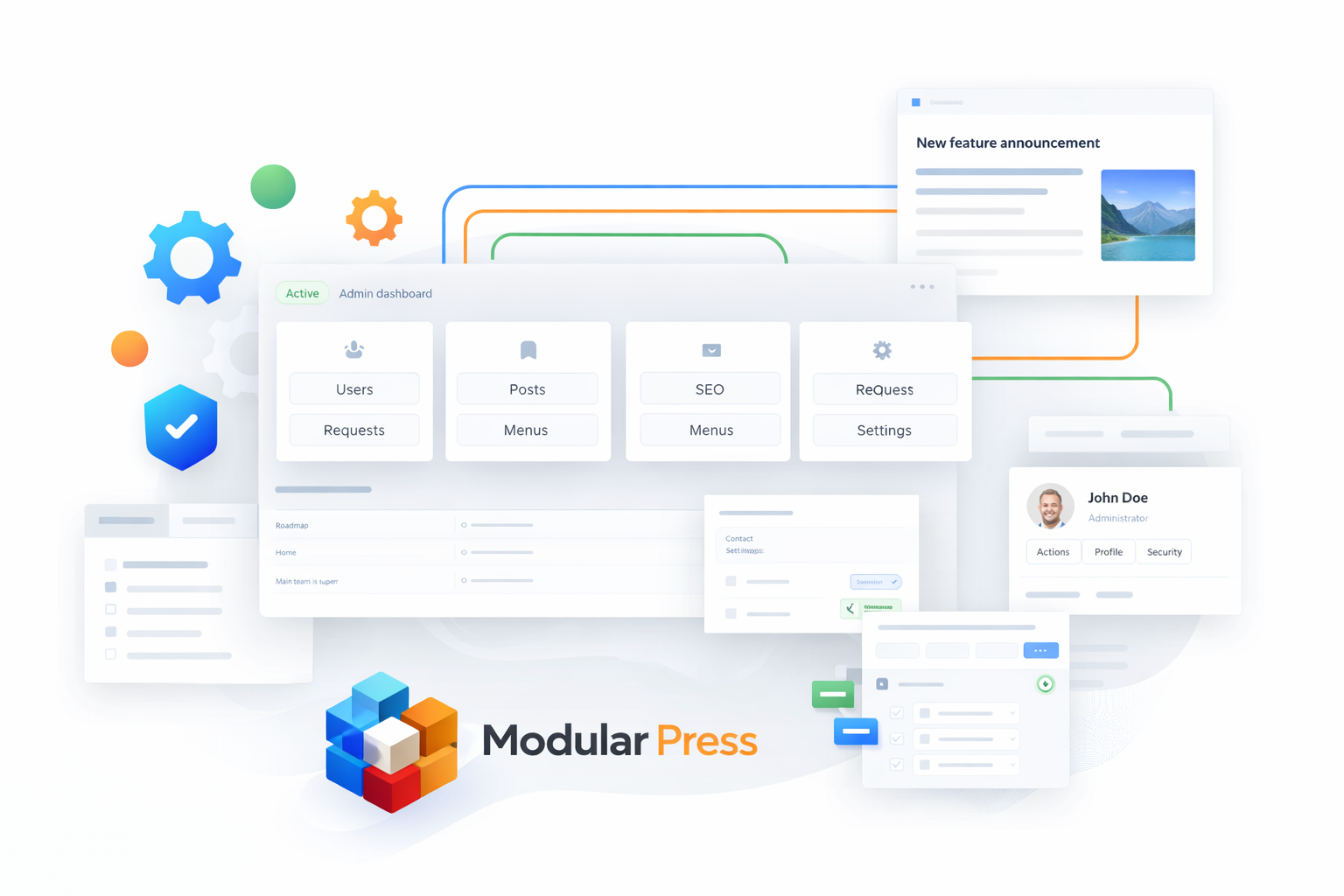
See a clear overview of content, client requests and day to day operations without touching code or digging through technical menus.
Publish content, manage navigation and update landing pages in a structured editorial workflow. Drafts, approvals and simple forms keep publishing fast and safe.
Extend modules, add custom fields and stay in full control of database structure and performance. Ship stable projects instead of fighting plugin conflicts.
ModularPress runs on your own server so you stay in control. Upload it, connect a database and switch on the modules that make sense for your project. No cloud lock in and no surprise dependencies.
Upload the project, run the installer and create your first admin account in minutes. Point it to your database and you are ready to log in.
Enable Users, Posts, Menus, SEO and any optional modules from a single control screen. Keep only what you need in the admin.
Add roles, invite your team and start publishing content. Keep the admin secure with fine grained permissions instead of extra security plugins.
Start with the core modules, then extend when your project grows. Each module has a focused screen so you always know where to change something.
Start with a single project then scale across multiple sites and environments when you are ready.
Explore the demo and see how a focused modular CMS admin can simplify your next project for both editors and developers.